> ## Documentation Index
> Fetch the complete documentation index at: https://docs.scanova.io/llms.txt
> Use this file to discover all available pages before exploring further.
# End-User Tracking
> Control what Scanova records about the people who scan your QR Codes, and how those tracking choices affect the analytics you see back in the dashboard.
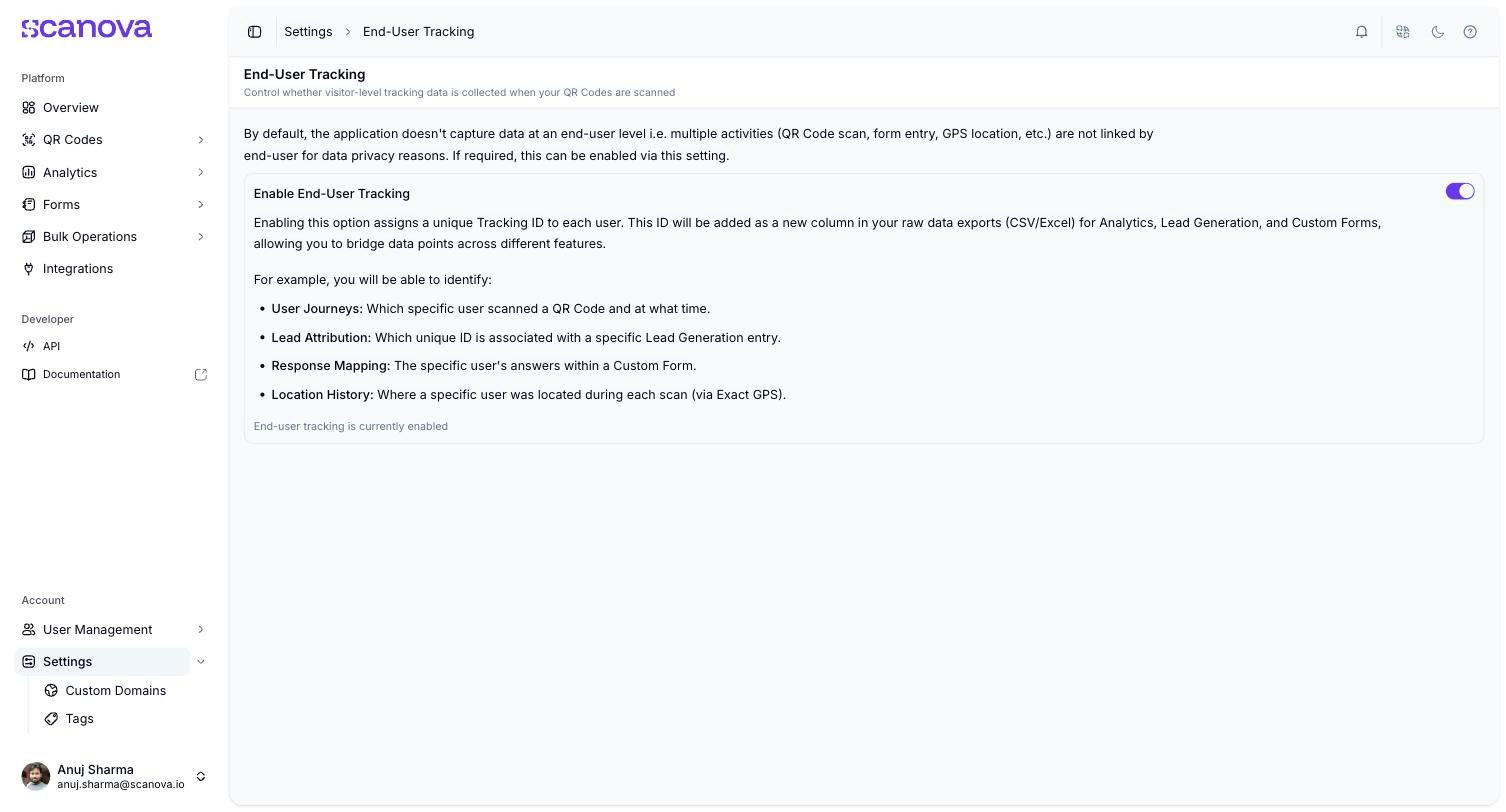
**End-User Tracking** (`/settings/user-tracking`) controls whether Scanova assigns a shared Tracking ID to link a single visitor's activity — a QR Code scan, a form entry, and their GPS location — across your exports. It's off by default: by default, the app doesn't capture data at the end-user level, so a scan, a form entry, and a location are recorded as separate, unlinked events for privacy reasons.
 ## What enabling it does
Turning on **Enable End-User Tracking** assigns a unique Tracking ID to each visitor. That ID is added as a new column in your raw data exports (CSV/Excel) for Analytics, Lead Generation, and Custom Forms — letting you bridge data points across those features for the same person. With it enabled, you can identify:
* **User Journeys** — which specific visitor scanned a QR Code, and when
* **Lead Attribution** — which Tracking ID is associated with a specific Lead Generation entry
* **Response Mapping** — a specific visitor's answers within a Custom Form
* **Location History** — where a specific visitor was located during each scan (via Exact GPS)
## Related
* [Downloading lead data](/leads/downloading-data) — one of the exports the Tracking ID column appears in
* [Form responses](/forms/responses) — Custom Form response data that can be bridged via the same Tracking ID
* [GPS tracking & geo-fencing](/qr-codes/manage/gps-geofencing) — the location data End-User Tracking can link to a specific visitor
## What enabling it does
Turning on **Enable End-User Tracking** assigns a unique Tracking ID to each visitor. That ID is added as a new column in your raw data exports (CSV/Excel) for Analytics, Lead Generation, and Custom Forms — letting you bridge data points across those features for the same person. With it enabled, you can identify:
* **User Journeys** — which specific visitor scanned a QR Code, and when
* **Lead Attribution** — which Tracking ID is associated with a specific Lead Generation entry
* **Response Mapping** — a specific visitor's answers within a Custom Form
* **Location History** — where a specific visitor was located during each scan (via Exact GPS)
## Related
* [Downloading lead data](/leads/downloading-data) — one of the exports the Tracking ID column appears in
* [Form responses](/forms/responses) — Custom Form response data that can be bridged via the same Tracking ID
* [GPS tracking & geo-fencing](/qr-codes/manage/gps-geofencing) — the location data End-User Tracking can link to a specific visitor