> ## Documentation Index
> Fetch the complete documentation index at: https://docs.scanova.io/llms.txt
> Use this file to discover all available pages before exploring further.
# 邮件偏好设置
> 控制您接收哪些邮件。
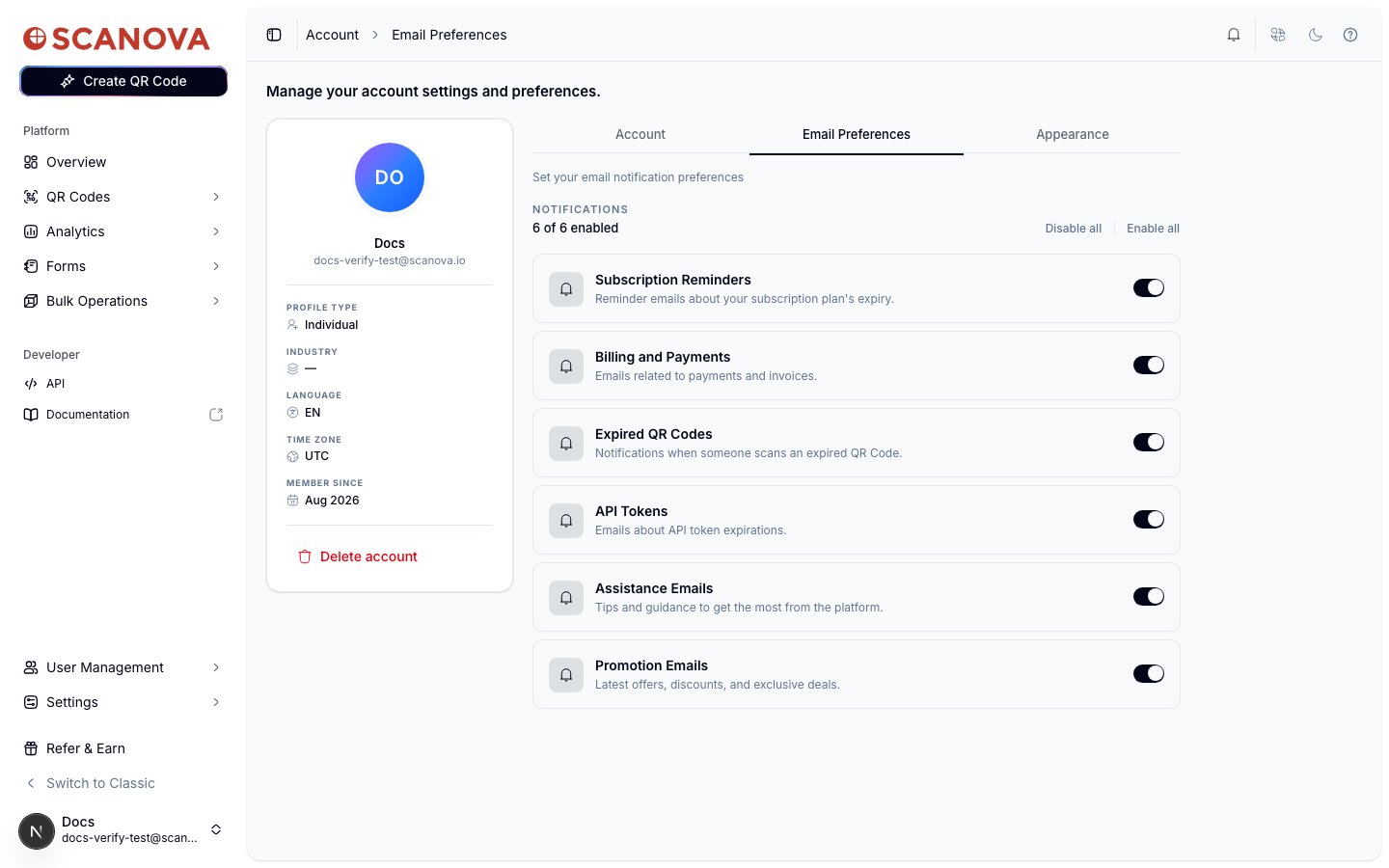
**Email Preferences** 选项卡(`/account/email-preferences`)控制 Scanova 会向您发送哪些事务性邮件和营销邮件。它与 **Account** 和 **Appearance** 一同位于 `/account` 下。
 ## 通知类别
六个类别可以分别独立开启或关闭:
| 类别 | 涵盖内容 |
| -------------------------- | ------------------- |
| **Subscription Reminders** | 关于您订阅套餐到期的提醒邮件。 |
| **Billing and Payments** | 与付款和发票相关的邮件。 |
| **Expired QR Codes** | 当有人扫描已过期的二维码时发送的通知。 |
| **API Tokens** | 关于 API 令牌到期的邮件。 |
| **Assistance Emails** | 帮助您充分利用平台的技巧和指导。 |
| **Promotion Emails** | 最新的优惠、折扣和专属活动。 |
列表上方的标题会显示一个实时计数(例如 "6 of 6 enabled")。
## 关闭某个类别
点击开关即可关闭某个类别。由于这会停止您日后可能仍想收到的邮件,系统会先弹出一个确认对话框:
## 通知类别
六个类别可以分别独立开启或关闭:
| 类别 | 涵盖内容 |
| -------------------------- | ------------------- |
| **Subscription Reminders** | 关于您订阅套餐到期的提醒邮件。 |
| **Billing and Payments** | 与付款和发票相关的邮件。 |
| **Expired QR Codes** | 当有人扫描已过期的二维码时发送的通知。 |
| **API Tokens** | 关于 API 令牌到期的邮件。 |
| **Assistance Emails** | 帮助您充分利用平台的技巧和指导。 |
| **Promotion Emails** | 最新的优惠、折扣和专属活动。 |
列表上方的标题会显示一个实时计数(例如 "6 of 6 enabled")。
## 关闭某个类别
点击开关即可关闭某个类别。由于这会停止您日后可能仍想收到的邮件,系统会先弹出一个确认对话框:
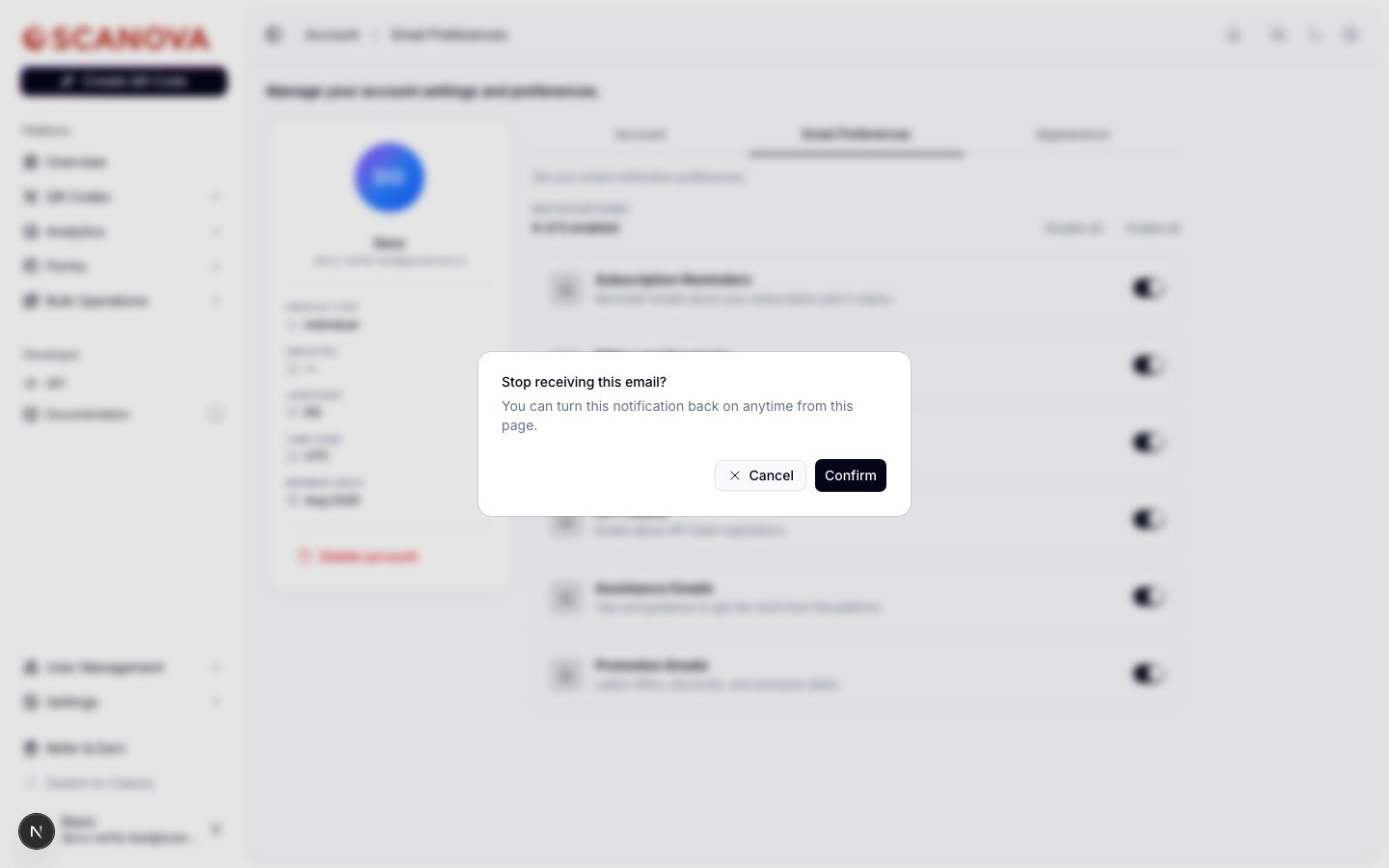 点击 **Confirm** 以禁用该类别,或点击 **Cancel** 保持不变。重新**开启**某个类别会立即生效,无需确认步骤。
此更改是乐观更新——开关会立即更新,只有在保存失败时才会恢复原状,因此无论哪种情况您都很难察觉到延迟。
## 批量操作
在 "N of 6 enabled" 计数旁边,**Disable all** 和 **Enable all** 可以一次性对所有类别应用相同的开关状态。禁用全部同样会经过上文所述的相同确认对话框。
## 相关内容
* [个人资料与外观](/zh/account/profile-and-appearance) —— 同属 Account 下的另一个选项卡,用于设置个人资料、安全、企业信息和本地化选项。
* [订阅与账单](/zh/billing/subscription-and-billing) —— 上文 Billing and Payments 邮件类别背后的套餐与付款详情。
点击 **Confirm** 以禁用该类别,或点击 **Cancel** 保持不变。重新**开启**某个类别会立即生效,无需确认步骤。
此更改是乐观更新——开关会立即更新,只有在保存失败时才会恢复原状,因此无论哪种情况您都很难察觉到延迟。
## 批量操作
在 "N of 6 enabled" 计数旁边,**Disable all** 和 **Enable all** 可以一次性对所有类别应用相同的开关状态。禁用全部同样会经过上文所述的相同确认对话框。
## 相关内容
* [个人资料与外观](/zh/account/profile-and-appearance) —— 同属 Account 下的另一个选项卡,用于设置个人资料、安全、企业信息和本地化选项。
* [订阅与账单](/zh/billing/subscription-and-billing) —— 上文 Billing and Payments 邮件类别背后的套餐与付款详情。