Import your logo, brand name, description, images, social links, and brand color straight from your own website, onto a blank page or into a template.
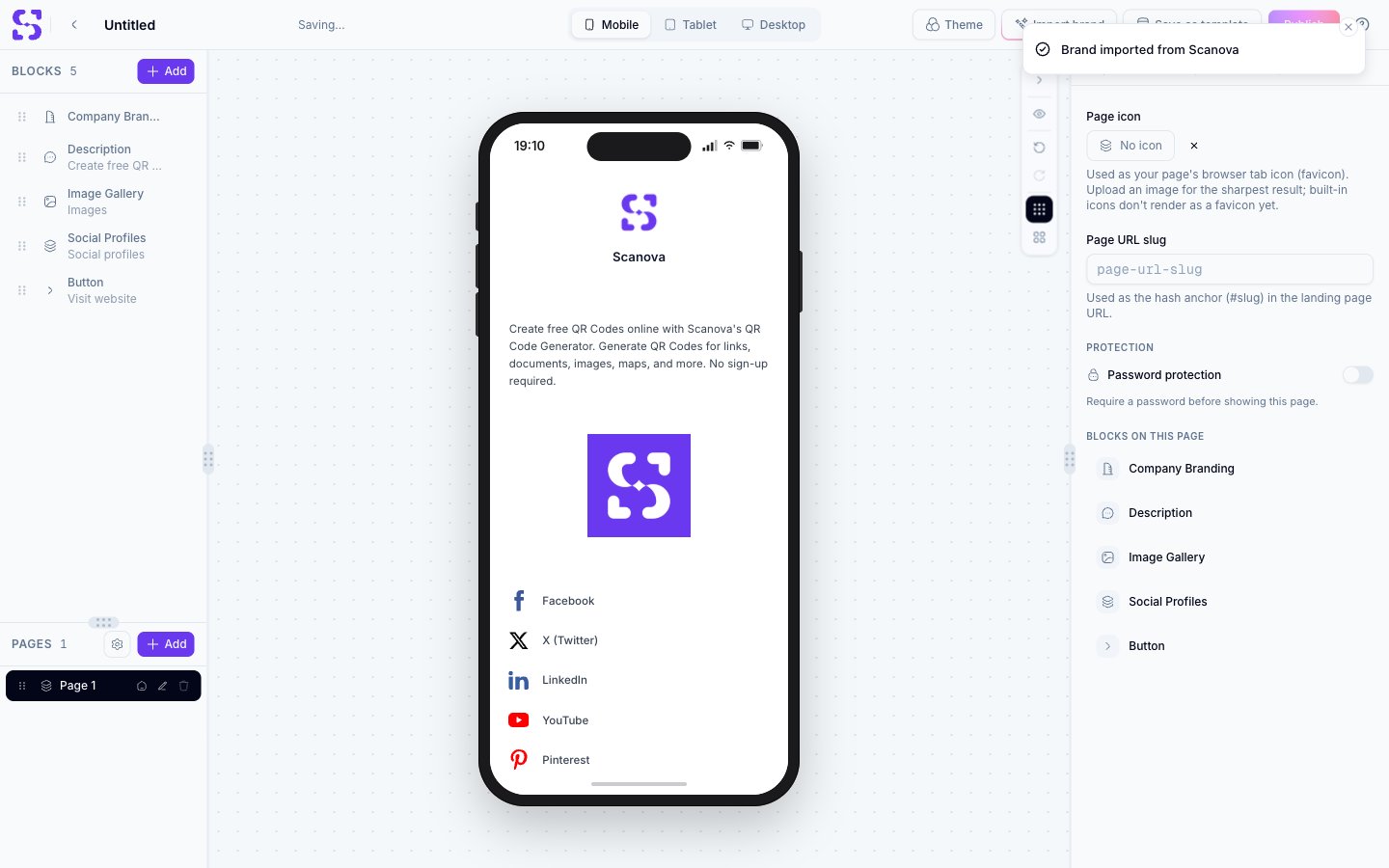
Import brand reads your website and fills a landing page with what it finds — your logo, brand name, description, images, contact details, social links, and brand color. On a blank page it builds the page for you. On a template it fills the template’s blocks and leaves the layout, design, and theme untouched.
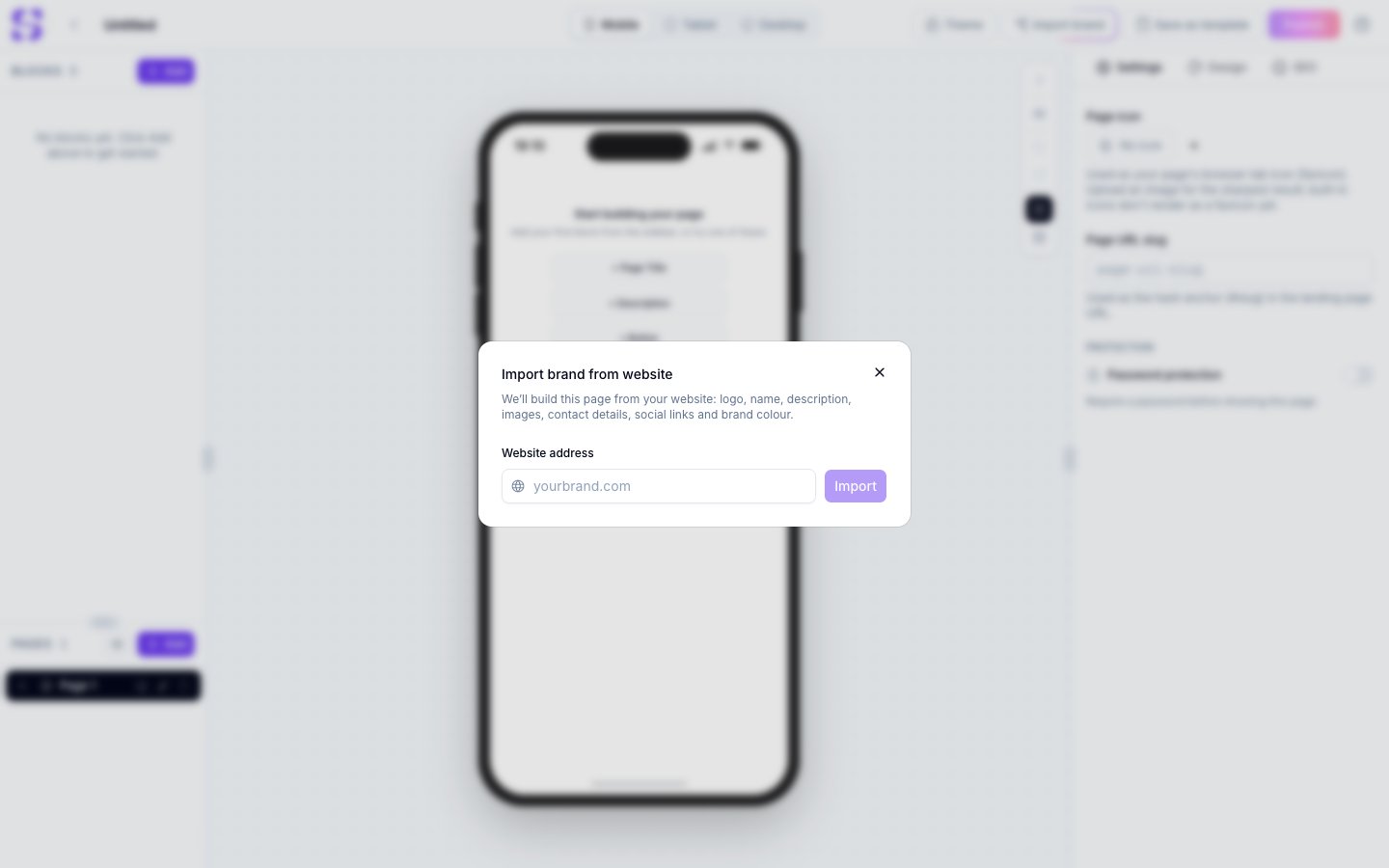
Click Import brand. A dialog opens asking for your website address.
The Import brand dialog, waiting for a website address
2
Enter your website address
Type the address, for example yourbrand.com. The https:// prefix is optional. An address that isn’t valid is rejected straight away, with Enter a valid website address, like yourbrand.com.
3
Wait for the site to be read
Reading the site takes up to about 20 seconds.
4
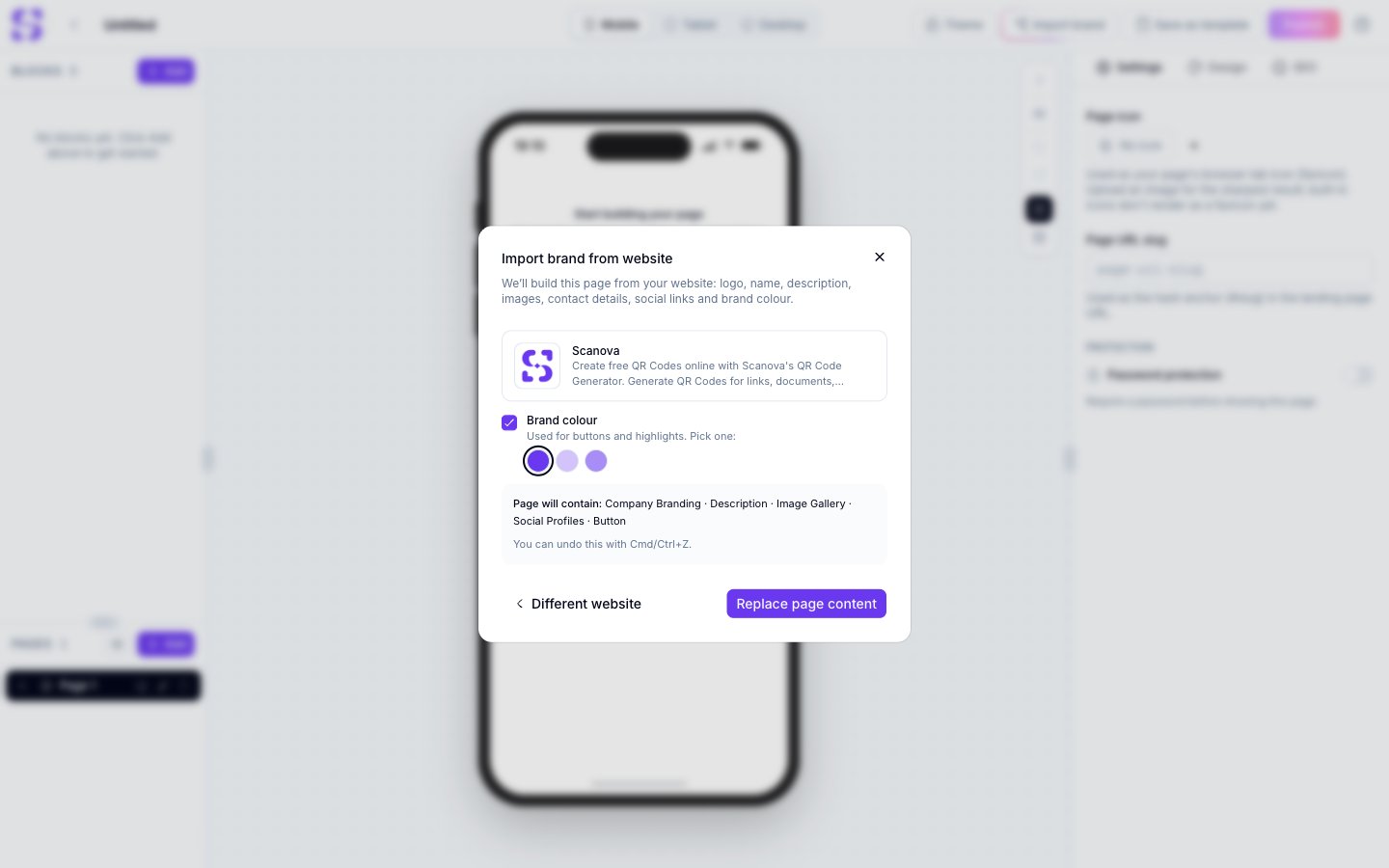
Check the preview
The preview shows the logo, brand name, and description that were found, along with a line listing exactly which blocks will change.
5
Pick a brand color, or turn it off
Clear the Brand colour checkbox to leave your page’s existing colors alone, or pick one of the colors found on your site. The color you pick becomes the accent color for buttons and highlights.
6
Apply it
Click Fill template on a template, or Replace page content on a blank page. The page updates and saves itself.
To try a different address without starting over, click Different website in the preview.
Your template keeps its blocks, their order, its design, and its theme. Only the content is written in.
Template block
What your website fills
Profile Info
Company name and logo. The person’s name, photo, and job title stay as they are
Company Branding
Brand name and logo
Description
Your website’s description
Banner image
Your website’s main image, in the template’s own banner style
Contact Details
Emails, phones, address, and website
Social Profiles
Facebook, Instagram, X, LinkedIn, YouTube, TikTok, and Pinterest links
Button
Visit website, pointing at your site
A few things worth knowing before you apply an import:
Only the first block of each type is filled. A second description or button keeps its own content
Blocks your website can’t fill, such as a menu or gallery, are left exactly as they are
Contact details are filled on business card, vCard, dynamic vCard, and real estate pages. A template that shows a contact block may still keep its own placeholder details
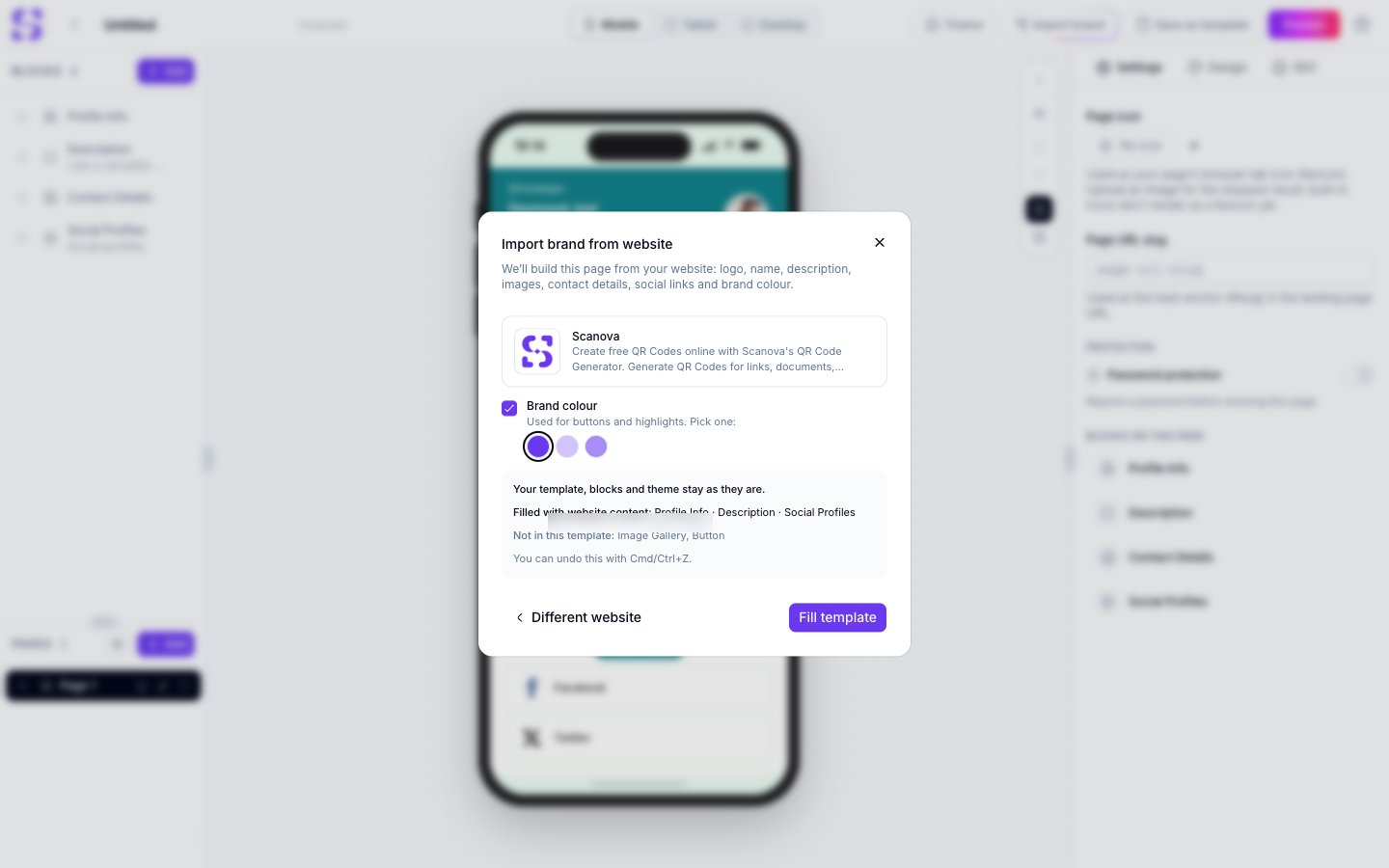
If your site has something the template has no block for, it isn’t added. The preview lists it under Not in this template
The template’s first button is relabeled Visit website
The preview’s Filled with website content line is the reliable guide to what will actually change. Read it before you apply.
The preview on a template, separating what will be filled from what has no block
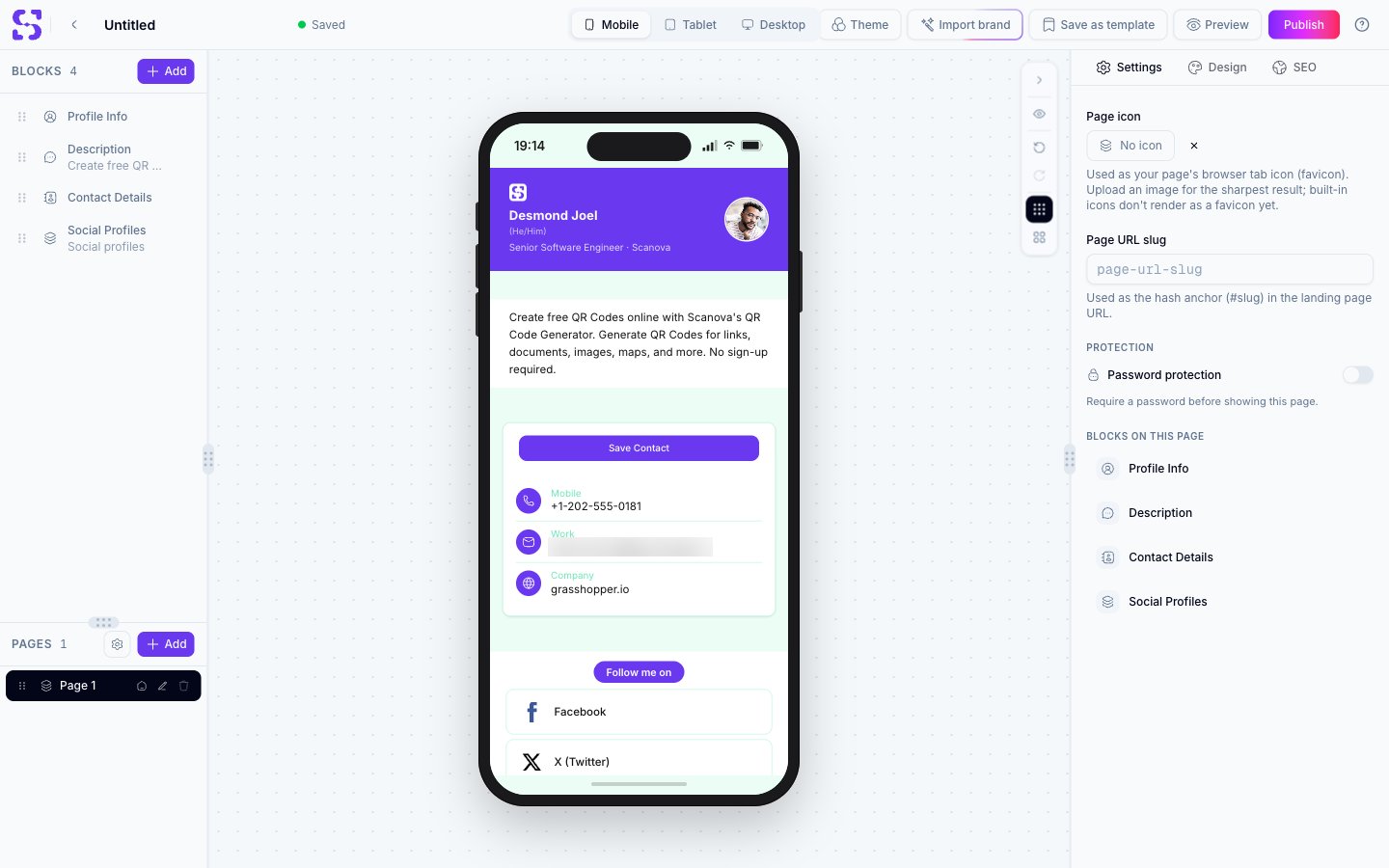
A business card template after an import, with its layout and blocks unchanged
You need to be logged in, and you can run up to 10 imports a minute
Logos are saved as PNGs up to 256 px, and images as JPEGs up to 1200 px. Logos supplied only as SVG files are skipped, so a site may import with no logo
Nothing is cached. Every import reads your site as it is at that moment
Your brand name comes from your site’s own metadata, exactly as written there, so it may read longer than you expect