Build a landing page from scratch behind a QR Code using the block based page builder, starting from a blank canvas or from any template in the gallery.
“Custom Page” is the platform’s generic, catch-all page category — internally named dynamicText and labeled Custom Page in the QR category list (ID 9). It’s what you get when a page doesn’t fit one of the more specific template categories (Restaurant, Product, Feedback, and so on): any combination of blocks, built from scratch or from a loosely-themed starting point.
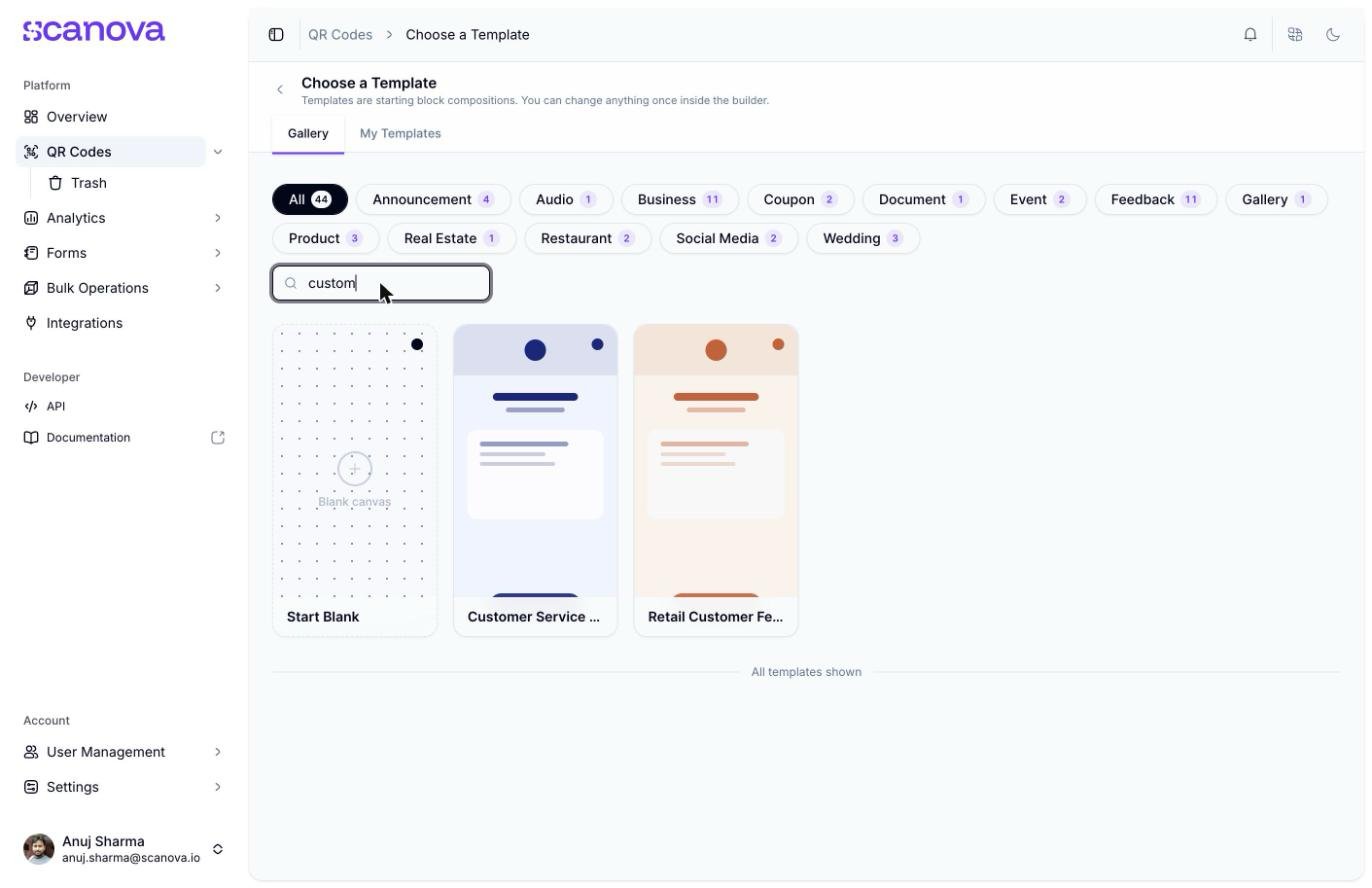
Naming mismatch: there is no “Custom Page” button, tag, or label anywhere in the app’s UI. The template gallery’s tag filter bar does not include a “Custom Page” tag. Searching the gallery for “custom” no longer returns zero results — it now substring-matches templates like Customer Service Feedback and Retail Customer Feedback, which have nothing to do with this category — so don’t rely on that search as a way to locate it. The only reliable, dedicated route to this category is the Start Blank option on the template gallery, which the interface never calls “Custom Page.”
Searching the gallery for "custom" now substring-matches unrelated Feedback templates, not Custom Page
This is the direct, always-available route to the dynamicText / Custom Page category — confirmed by inspecting the actual create request the app sends.
1
Open Create QR Code and choose Build a Page
From QR Codes → Create QR Code (/qr/create), click the Build a Page card.
2
Click Start Blank
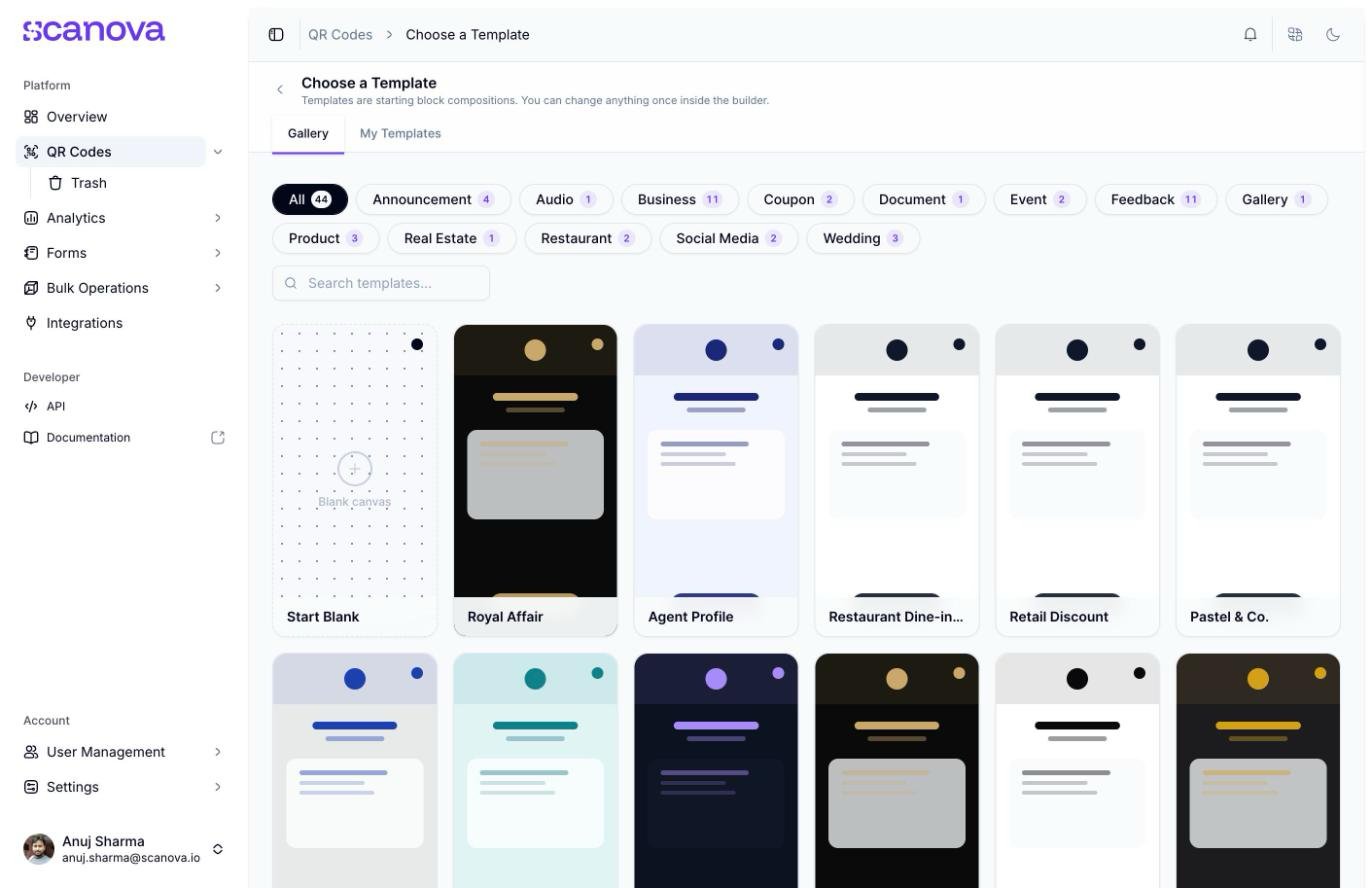
On Choose a template (/qr/new), the Start Blank card sits first in the gallery grid, before any tag filtering — it’s not tucked under a category tag.
The Start Blank card in the unfiltered template gallery
3
Land in an empty builder canvas
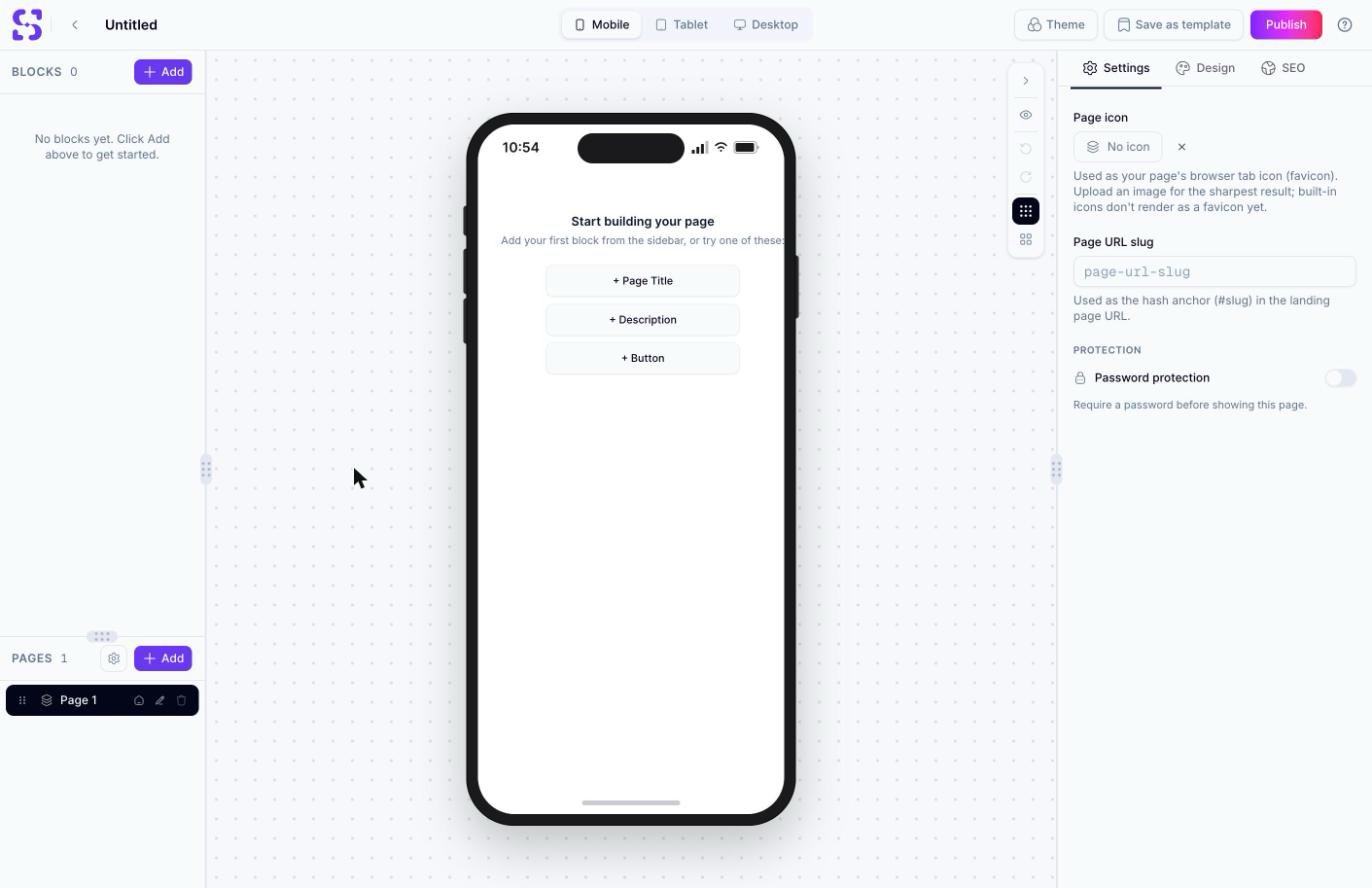
Clicking it navigates straight to /qr/new/landing (no ?template= query string) and opens an empty canvas: 0 blocks, with prompts to add a Page Title, Description, or Button to get started.
The empty page builder canvas after choosing Start Blank
Verified via the network request the builder sends on the first block add: POST /qr/ with "category":9 in the body — 9 is the dynamicText / Custom Page category ID. Start Blank reliably creates a Custom Page-category QR Code regardless of which blocks you add afterward.
The gallery does have one pre-built template that actually carries the dynamicText / Custom Page category under the hood — it’s just filed under the Announcement tag, not a “Custom Page” tag.
1
Filter the gallery by Announcement
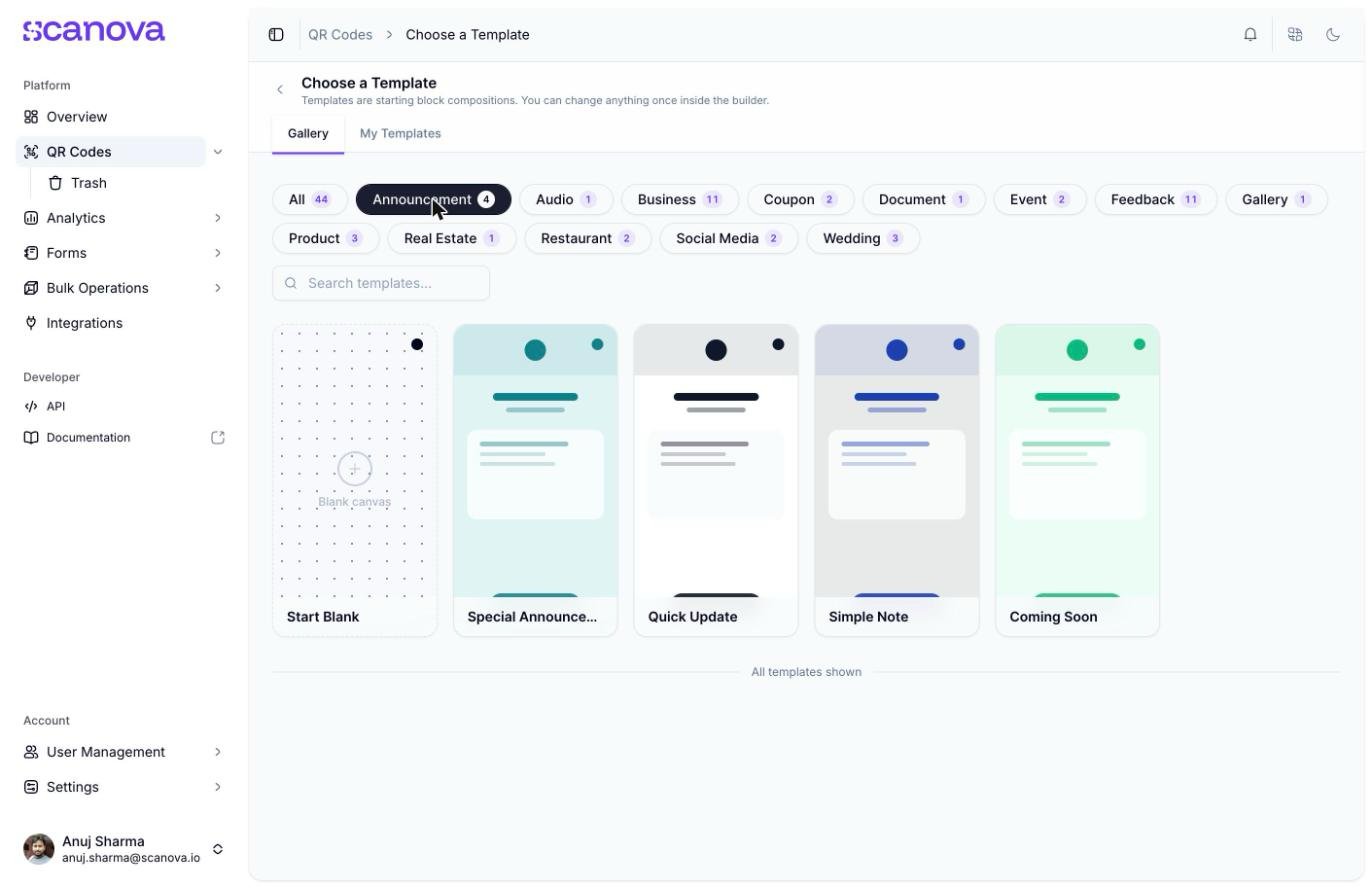
Click the Announcement tag (for example: Special Announcement, Quick Update, Simple Note, and Coming Soon). Special Announcement — “Ocean teal with a decorative background — a flexible update or announcement page” — is the one confirmed below to carry the Custom Page category; the other three weren’t individually re-checked, but expect them to behave the same way given they share the tag.
The template gallery filtered to the Announcement tag
2
Open it in the builder
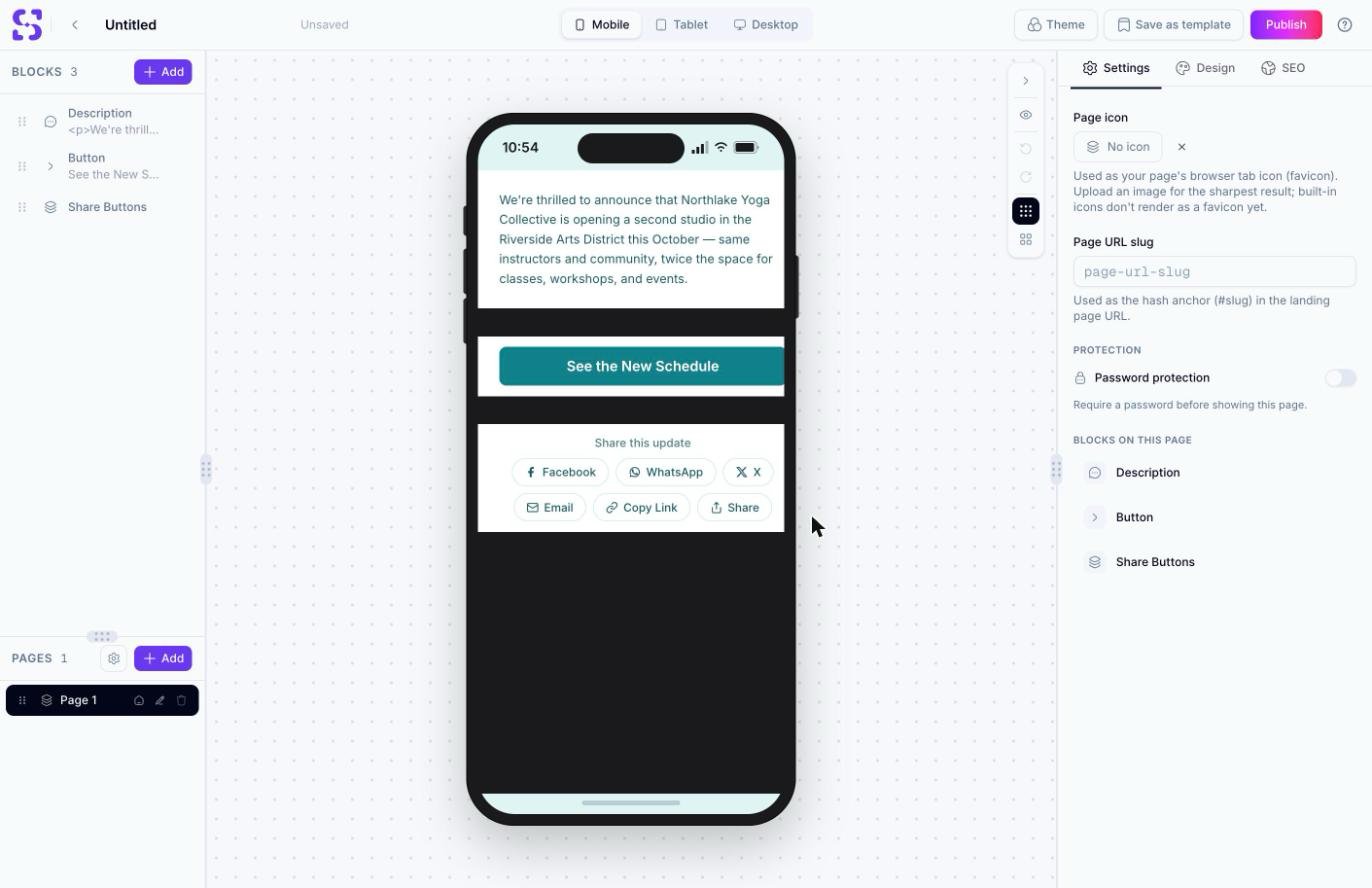
Selecting it and clicking Use this template opens /qr/new/landing?template=dynamictext-announcement, with 3 blocks: Description, Button, Share Buttons.
The page builder canvas after opening the Special Announcement template
This was confirmed directly against the templates API: dynamictext-announcement returns "category": {"id": 9, "slug": "dynamicText", "name": "Custom Page"} and "filter_tags": ["Announcement"] — the template is Custom Page-categorized, but discoverable only through the Announcement tag.
To create a Custom Page QR Code through the API rather than the UI, use category ID 9 (slug dynamicText, labeled Custom Page) — see Create QR Code for the full request schema and Category List for the complete ID-to-label mapping.